

Best Free AI Tools for Productivity in 2026
By Tech Reflector Team | Published: 04 January 2026


In an era where time is the ultimate currency, artificial intelligence has emerged as a game-changer for productivity. As we navigate through 2026, AI tools are more accessible than ever, empowering professionals, students, and creators to streamline workflows, automate mundane tasks, and unlock creative potential—all without straining budgets. This comprehensive guide delves into the best free AI tools available this year, emphasising those with robust free tiers or entirely gratis options. Whether you're juggling tight deadlines, conducting in-depth research, or crafting compelling content, these tools can supercharge your efficiency and output.
Drawing from the latest trends and user feedback, we'll categorise these tools by function, offering practical insights, key features, real-world examples, and integration tips. The focus is on free accessibility, but we'll note any limitations or upgrade paths for heavier users. Remember, the secret to maximising productivity lies in thoughtful experimentation—start with tools that address your specific pain points and build from there. Let's explore how AI can transform your daily grind into a seamless flow.
Table of Contents
- Why Free AI Tools Matter in 2026
- Top Free AI Chatbots and Assistants
- Free AI Tools for Writing and Content Creation
- Free AI Tools for Task Management and Automation
- Free AI Tools for Research and Knowledge Management
- Free AI Tools for Meeting and Note-Taking
- Free AI Tools for Design and Visuals
- Comparison Table: Key AI Chatbots at a Glance
- Emerging Free AI Tools to Watch in 2026
- How to Choose and Integrate These Tools
- FAQs
- Conclusion
Why Free AI Tools Matter in 2026
The AI landscape in 2026 is characterised by rapid advancements in large language models (LLMs), multimodal capabilities, and agentic AI, making high-end features available at no cost. Recent studies indicate that integrating AI tools can save users up to 20-30% of their working hours by automating repetitive tasks and enhancing decision-making processes. Free tiers now often include generous usage limits, advanced integrations, and even customisation options, making them suitable for individuals, freelancers, and small teams.
However, the rise of free AI isn't without caveats. Data privacy concerns persist, and while many tools offer robust security, users should review policies before inputting sensitive information. Additionally, the democratisation of AI means more competition, leading to frequent updates—staying informed via tech blogs like Tech Reflector can help you leverage the latest enhancements. In essence, free AI tools democratise productivity, levelling the playing field for everyone from startups to solopreneurs.
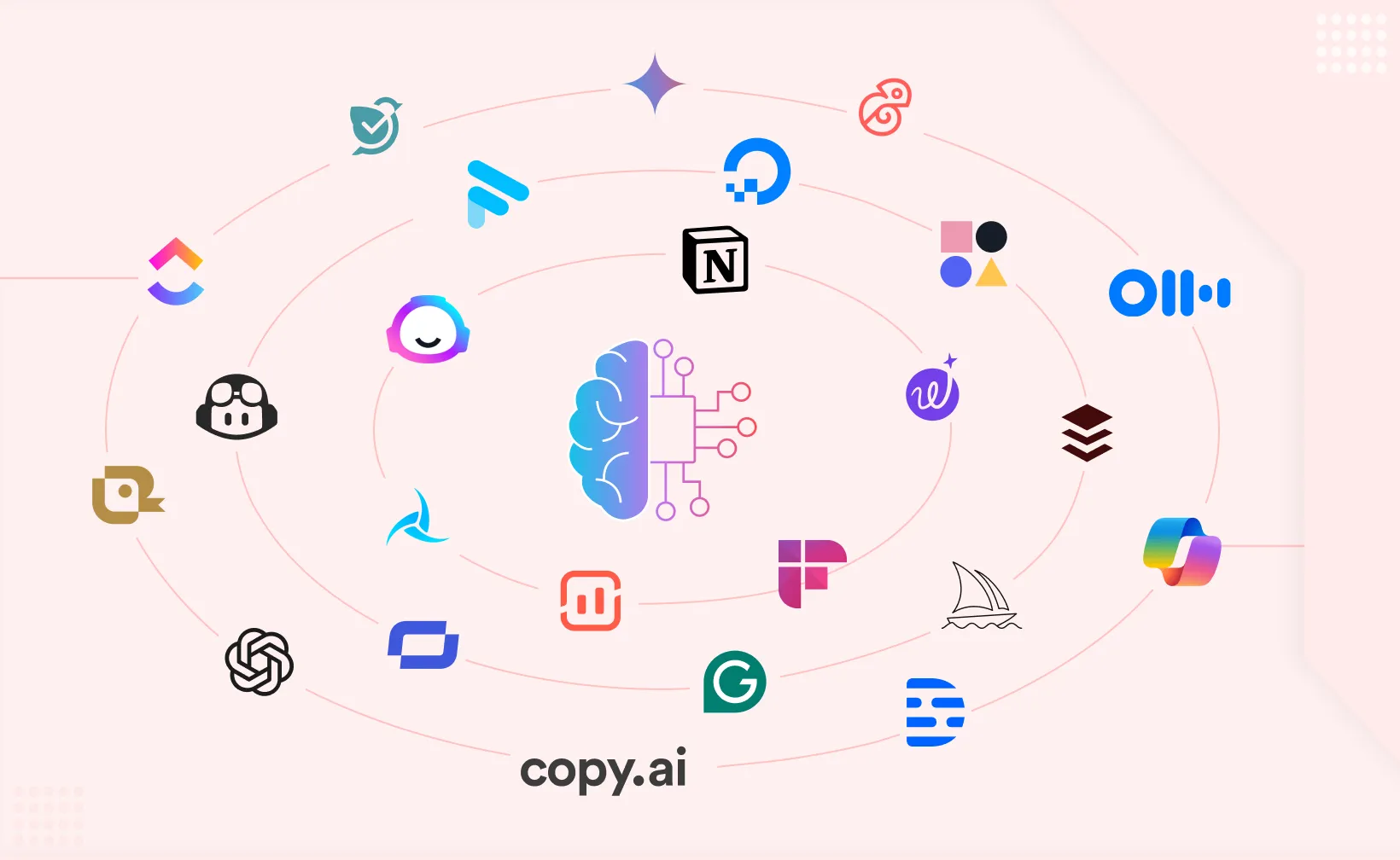
Top Free AI Chatbots and Assistants
Versatile AI assistants form the backbone of modern productivity, handling everything from quick queries to complex brainstorming sessions. These tools act as digital co-pilots, adapting to your needs in real-time.
- ChatGPT (OpenAI): A cornerstone of AI productivity, ChatGPT's free tier in 2026 provides access to GPT-4o mini, enabling text generation, code debugging, and idea brainstorming. Pros: Intuitive interface, vast knowledge base; Cons: Message caps during peak times. Best for daily multitasking.
- Gemini (Google): Seamlessly integrated with Google's ecosystem, Gemini excels in real-time data retrieval and multimodal inputs (text, images, code). Pros: Strong search integration; Cons: Occasional accuracy dips on niche topics. Ideal for Google Workspace users.
- Claude (Anthropic): Known for its ethical AI approach, Claude's free version offers detailed responses and constitutional AI safeguards. Pros: Thoughtful, safe outputs; Cons: Limited free uploads. Suited for thoughtful ideation.
- Grok (xAI): With its witty, insightful style, Grok's free access via X (formerly Twitter) is perfect for quick, engaging queries. Pros: Humorous tone boosts engagement; Cons: Less formal for professional docs.
- Meta AI: Embedded in Meta platforms like WhatsApp and Instagram, this tool handles conversational tasks, translations, and image generation on the go. Pros: Mobile-first accessibility; Cons: Platform-dependent.
Integrate these into your workflow via browser extensions for instant access, reducing context-switching.


Free AI Tools for Writing and Content Creation
Writing demands precision and creativity; AI tools alleviate the burden by refining drafts and sparking ideas.
- Grammarly: Beyond grammar checks, its free AI includes tone detection, plagiarism scans, and generative expansions. Pros: Real-time suggestions; Cons: Advanced features behind paywall. Tip: Use in Google Docs for collaborative editing.
- QuillBot: A paraphrasing powerhouse with unlimited free basic use, offering synonyms, summaries, and mode-specific rewrites. Pros: Versatile modes; Cons: Watermarks on exports.
- Rytr: Free plan generates up to 10,000 characters monthly for blogs, emails, and captions. Pros: Template variety; Cons: Character limits for heavy users.
- Wordtune: Free rewrites enhance clarity and engagement. Pros: Concise suggestions; Cons: Limited daily uses. Great for email polishing.
- ProWritingAid: Free for basic checks, it analyses style, readability, and overused words. Pros: In-depth reports; Cons: Full integrations paid.
For optimal results, combine with prompts emphasising your voice, ensuring authenticity.


Free AI Tools for Task Management and Automation
Automation liberates time; these tools orchestrate workflows intelligently.
- Zapier: Connects 7,000+ apps with 100 free tasks monthly, automating workflows. Pros: No-code ease; Cons: Task limits.
- Notion AI: Within Notion's free workspaces, it summarises, generates lists, and brainstorms. Pros: All-in-one hub; Cons: Storage caps.
- Reclaim: Free for individuals, it optimises calendars by blocking focus time. Pros: Habit-building; Cons: Team features paid.
- Taskade: Unlimited free boards with AI task generation from prompts. Pros: Visual boards; Cons: Advanced AI limited.
Begin by automating one process, like notifications, to build momentum.
Free AI Tools for Research and Knowledge Management
Sift through data efficiently with these research aids.
- Perplexity: Free cited answers with follow-ups. Pros: Accuracy-focused; Cons: No offline use.
- NotebookLM (Google): Upload docs for AI podcasts, summaries, quizzes. Pros: Multimodal outputs; Cons: Upload limits.
- Consensus: Evidence-based answers from papers. Pros: Academic rigor; Cons: Niche focus.
- Elicit: Free literature reviews, extracting findings. Pros: Time-saver for scholars; Cons: Registration required.
Always cross-verify for reliability.
Free AI Tools for Meeting and Note-Taking
Capture and action meetings seamlessly.
- Otter.ai: 300 free minutes monthly for transcriptions, summaries. Pros: Real-time; Cons: Minute caps.
- Fathom: Unlimited free recordings with AI insights. Pros: Searchable; Cons: Basic exports.
- Krisp: Free noise cancellation plus transcription. Pros: Clear calls; Cons: Limited minutes.
- Fireflies: Weekly free meeting with sentiment analysis. Pros: Analytics; Cons: Frequency limit.
Review summaries post-meeting for quick follow-ups.
Free AI Tools for Design and Visuals
Create visuals without design expertise.
- Canva Magic Studio: Free AI for images, backgrounds. Pros: User-friendly; Cons: Watermarks sometimes.
- AutoDraw (Google): Sketch-to-icon conversion. Pros: Quick; Cons: Basic.
- Microsoft Designer: Text-to-image free. Pros: Integrated; Cons: Account needed.
- Clipdrop: Basic edits free. Pros: Fast; Cons: Limits.
Visualise concepts to enhance communication.
Comparison Table: Key AI Chatbots at a Glance (2026)
Here's an enhanced, fully responsive comparison table of the top free AI chatbots in 2026. On mobile devices, simply swipe left/right for smooth horizontal scrolling. Fade indicators on the edges show when more content is available.
| Tool | Key Features | Limitations (Free Tier) | Best For | Free Tier Details | Access |
|---|---|---|---|---|---|
| ChatGPT (OpenAI) | Versatile text generation, code debugging, brainstorming, voice mode, memory | Message caps (varies by load), slower on peak times | Daily tasks, writing, coding, general conversations | Unlimited basic access to GPT-4o mini; limited advanced model use | chatgpt.com or app |
| Gemini (Google) | Multimodal (text, images, code), real-time search integration, deep Google ecosystem sync | Occasional inaccuracies on niche topics, no offline use | Research, multimodal tasks, Google Workspace users | Full free access to latest model | gemini.google.com |
| Claude (Anthropic) | Ethical/safe responses, superior long-form writing, strong reasoning & coding | Limited file uploads, slower on casual queries | Creative writing, complex analysis, coding reviews | Generous daily limits | claude.ai |
| Grok (xAI) | Witty/humorous tone, real-time X integration, trending insights | Less formal output, occasional hallucinations on citations | Quick queries, fun conversations, real-time trends | Free access (higher limits for Premium subscribers) | Via X platform (x.com) |
| Meta AI | Conversational, image generation, integrated in WhatsApp/Instagram/Facebook | Platform-bound, context limited outside Meta apps | On-the-go chats, social/media tasks | Unlimited in Meta apps | WhatsApp, Messenger, Instagram |
Tip: Many users combine tools—e.g., Gemini for research + Claude for writing—for optimal productivity.
Emerging Free AI Tools to Watch in 2026
Look out for Saner.AI for ADHD-focused productivity, Audioenhancer.ai for audio polishing, and AFFiNE for collaborative note-taking. These innovators offer fresh approaches, often with unlimited free basics.
How to Choose and Integrate These Tools
Evaluate based on needs: Writing bottlenecks? Opt for Grammarly. Automation gaps? Zapier. Prioritise privacy—use tools with end-to-end encryption. Integrate via APIs or extensions for workflows. Track ROI by timing tasks pre/post-AI.
FAQs
**Summary:** What are the best free AI tools for beginners in 2026?ChatGPT and Canva are ideal starters due to intuitive interfaces and versatile features.
**Summary:** Are free AI tools secure for professional use?Most are, but check data policies. Avoid sensitive info in free tiers without encryption.
**Summary:** How do free AI tools compare to paid ones?Free versions handle 80% of needs; paid unlock unlimited access and advanced analytics.
**Summary:** Can I use multiple AI tools together?Absolutely—integrate via Zapier for automated chains, like ChatGPT drafts to Grammarly edits.
**Summary:** What's the future of free AI productivity tools?Expect more agentic AI, where tools proactively suggest improvements based on habits.
Conclusion: Embrace AI for a Productive 2026
In 2026, free AI tools are not just aids—they're essential partners in achieving more with less effort. From ChatGPT's versatility to Perplexity's precision, these selections offer tangible value. Experiment, integrate, and adapt to witness your productivity soar. At Tech Reflector, we believe in reflecting on tech to illuminate paths forward. What's your go-to tool? Share below.
