

Understanding WordPress Shortcodes for Efficient Website Management
(Ultimate Complete Guide 2025)
From beginner basics to advanced custom shortcodes and comparisons with Gutenberg blocks
Table of Contents
- 1. Introduction
- 2. What Exactly Is a Shortcode?
- 3. How Shortcodes Work Behind the Scenes
- 4. Built-in WordPress Shortcodes (2025)
- 5. Popular Plugin-Provided Shortcodes
- 6. How to Use Shortcodes Efficiently
- 7. Creating Your Own Custom Shortcodes
- 8. Shortcodes vs. Gutenberg Blocks: Key Comparison
- 9. Troubleshooting Common Shortcode Issues
- 10. Shortcodes in Other Platforms
- 11. SEO, Performance & Modern Optimisation Benefits
- 12. Common Mistakes to Avoid
- 13. The Future of Shortcodes in 2025 & Beyond
- 14. Frequently Asked Questions
1. Introduction
WordPress shortcodes have been a cornerstone of flexible content creation since 2008, and in 2025 they remain incredibly relevant despite the dominance of the Gutenberg block editor.
These simple bracketed tags allow anyone—from bloggers to developers—to embed galleries, forms, buttons, custom layouts, and dynamic content without writing complex code.
This expanded ultimate guide from Tech Reflector dives deeper than ever: real-world examples, troubleshooting tips, a detailed comparison with blocks, and advanced techniques to help you master shortcodes in modern WordPress.
2. What Exactly Is a Shortcode?
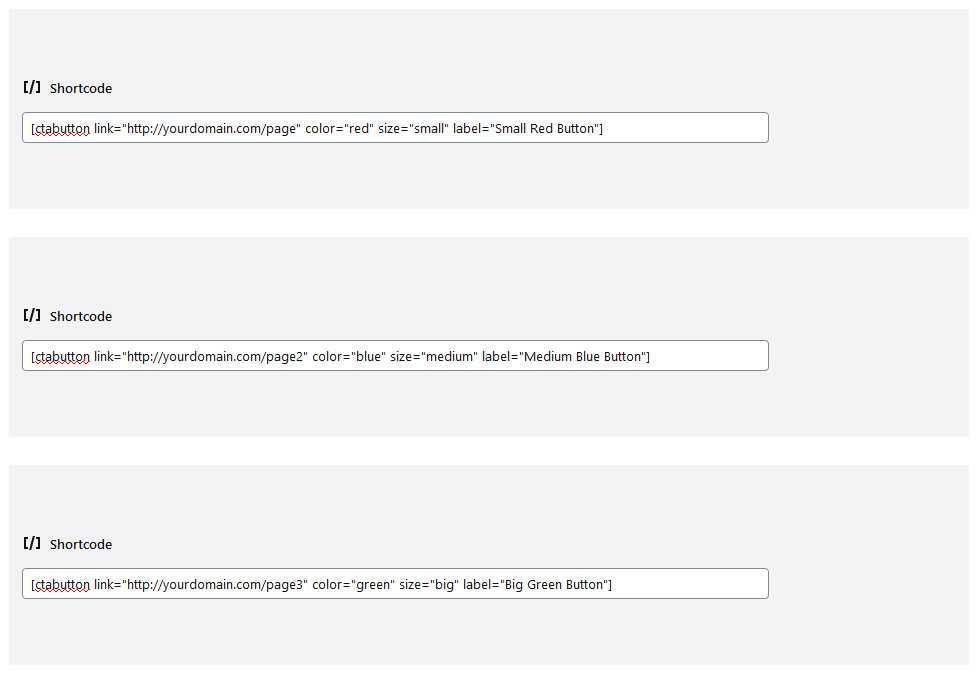
A shortcode is a WordPress-specific macro that gets processed server-side into full HTML/output. It's secure, extensible, and perfect for reusable functionality.
Core Features & Syntax
- Wrapped in square brackets:
[shortcode] - Self-closing or enclosing
- Supports attributes for flexibility
- Nested shortcodes allowed
3. How Shortcodes Work Behind the Scenes
Processing steps:
- Content scan for bracket patterns
- Attribute parsing
- Callback function execution
- HTML replacement
Everything happens securely on the server.
4. Built-in WordPress Shortcodes (2025)
Core shortcodes that work without any plugins:
| Shortcode | Purpose | Example | Key Attributes | Notes |
|---|---|---|---|---|
[gallery] |
Responsive image gallery | [gallery ids="10,20,30"] |
columns, size, link, orderby | Fully responsive in 2025 themes |
[audio] |
Audio player | [audio src="song.mp3"] |
loop, autoplay, preload | Uses native HTML5 player |
[video] |
Video player | [video src="vid.mp4"] |
width, height, poster | Supports multiple formats |
[caption] |
Captioned media | [caption align="center"] |
id, align, width | Accessible captions |
[embed] |
oEmbed support | [embed width="600"]https://youtube.com/watch?v=abc[/embed] |
width, height | Works with 100+ providers |
[playlist] |
Media playlist | [playlist ids="1,2,3"] |
type, style | Audio or video playlists |
5. Popular Plugin-Provided Shortcodes
Plugins supercharge shortcodes:
- Contact Form 7 / WPForms / Fluent Forms
- WooCommerce product grids & buttons
- Elementor, Spectra, Kadence Blocks (layout shortcodes)
- TablePress, Ninja Tables
- Advanced Custom Fields (dynamic content)
6. How to Use Shortcodes Efficiently
Pro tips:
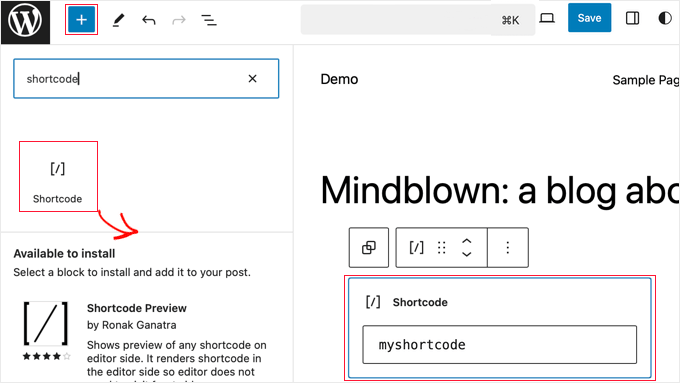
- Use the Shortcode block in Gutenberg
- Leverage attributes for variations
- Combine with do_shortcode() in templates
- Cache pages with dynamic shortcodes
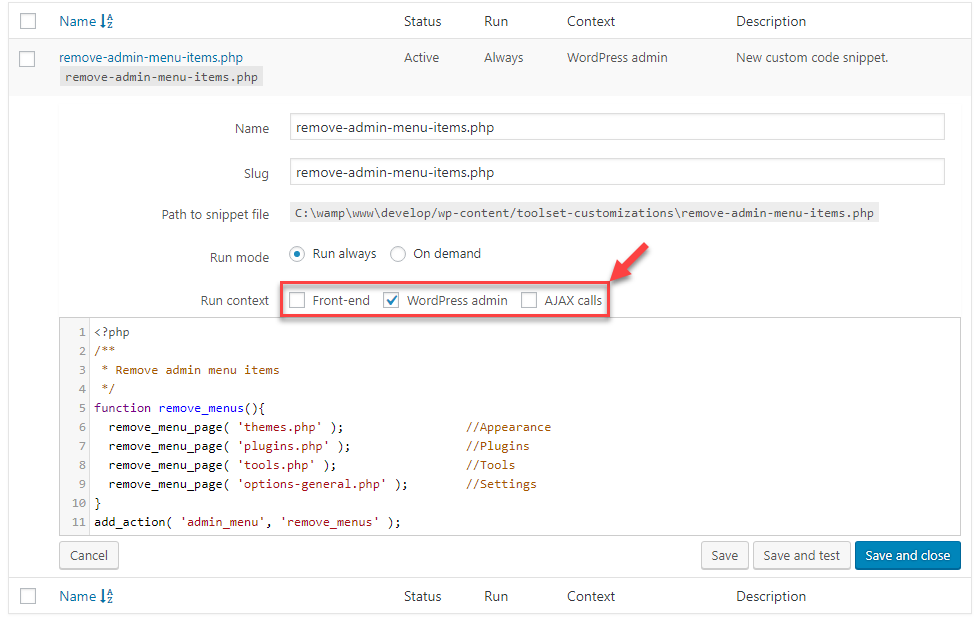
7. Creating Your Own Custom Shortcodes
Safe example with sanitisation:
function tr_year_shortcode() {
    return date('Y');
}
add_shortcode('current_year', 'tr_year_shortcode');

// Advanced example with attributes
function tr_box_shortcode($atts, $content = null) {
    $atts = shortcode_atts(['color' => 'blue'], $atts);
    return '<div style="background:' . esc_attr($atts['color']) . '; padding:20px;">' . $content . '</div>';
}
add_shortcode('box', 'tr_box_shortcode');
Usage: [box color="green"]Your content[/box]
8. Shortcodes vs. Gutenberg Blocks: Key Comparison
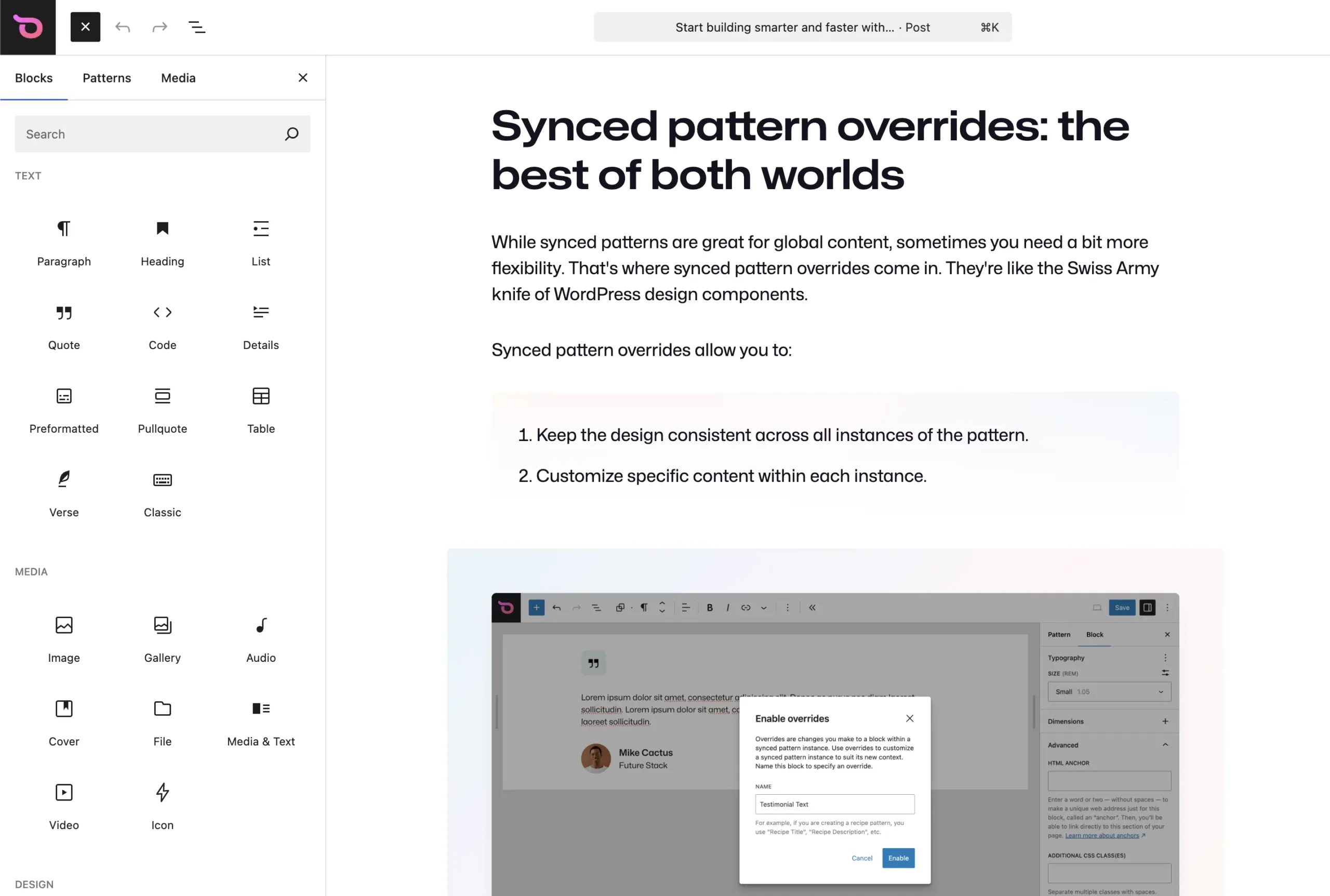
| Feature | Shortcodes | Gutenberg Blocks | Winner For... |
|---|---|---|---|
| Portability | Excellent (plain text) | Limited (JSON structure) | Shortcodes |
| Visual Editing | None | Live preview | Blocks |
| Plugin Compatibility | Universal | Depends on block support | Shortcodes |
| Performance | Lightweight | Can be heavier | Shortcodes |
| Legacy Support | Perfect | Newer sites only | Shortcodes |
9. Troubleshooting Common Shortcode Issues
- Shortcode shows as text → Plugin not active
- Broken output → Theme conflict or outdated plugin
- Nesting problems → Use do_shortcode() manually
- Security warnings → Always escape outputs
10. Shortcodes in Other Platforms
Blogger: Custom JS implementations | Joomla: Dedicated extensions | Modern frameworks: Component-based alternatives
11. SEO, Performance & Modern Optimisation Benefits
Cleaner code, faster loads, better content migration, structured data compatibility.
12. Common Mistakes to Avoid
- Overusing when blocks are better
- Poor naming/conflicts
- Forgetting mobile responsiveness
- Directly editing theme files
13. The Future of Shortcodes in 2025 & Beyond
Shortcodes thrive in headless setups, legacy content, and plugin ecosystems. They complement blocks perfectly for hybrid workflows.
To understand practical examples and best practices, read our detailed guide on how to use shortcodes efficiently .
14. Frequently Asked Questions
Are shortcodes still relevant in 2025?
Yes! Essential for compatibility and portability.
Can I convert shortcodes to blocks?
Yes, many plugins offer conversion tools.
How many shortcodes is too many?
Focus on performance; test with tools like Query Monitor.
Are shortcodes secure?
When properly coded and from trusted sources—yes.
